



How we replaced the PDF and Drive folder for our branding clients with one password-gated page their team and their AI can search.
Brand guidelines have always come in two pieces. There’s the PDF that explains the rules, and then there’s a folder somewhere holding the actual files. The PDF is usually the part that gets designed well, and the folder is the part that gets ignored, which is backwards because the folder is where every problem starts.
The folder problem
These days, if a new employee joins a company and needs the logo, they’ll likely ask in Slack, and someone who’s been there longer will send over a Drive link. That link opens a folder with four more folders inside it, and somewhere in there are files named things like logo_final_v2 and logo_final_v2_USE_THIS. They grab the one that sounds right, drop it onto a background it was never meant for, and nobody notices the wrong color version until it’s already live.
This isn’t a design problem. It’s a process problem and a storage problem at the same time, and a PDF doesn’t fix either one because the PDF was never where the files lived in the first place.
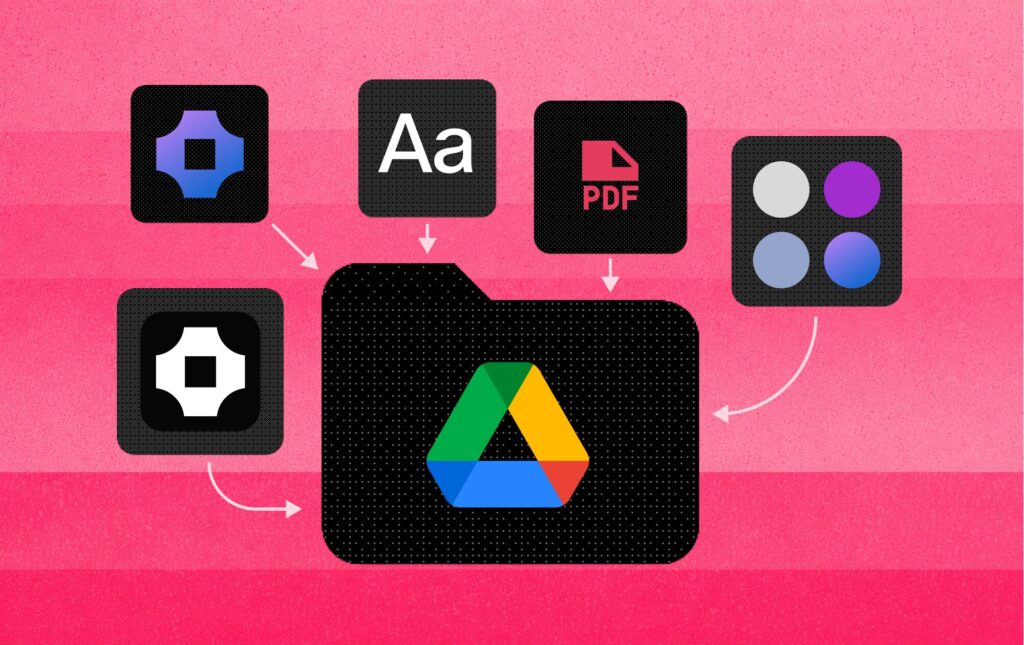
How we host brand guidelines now
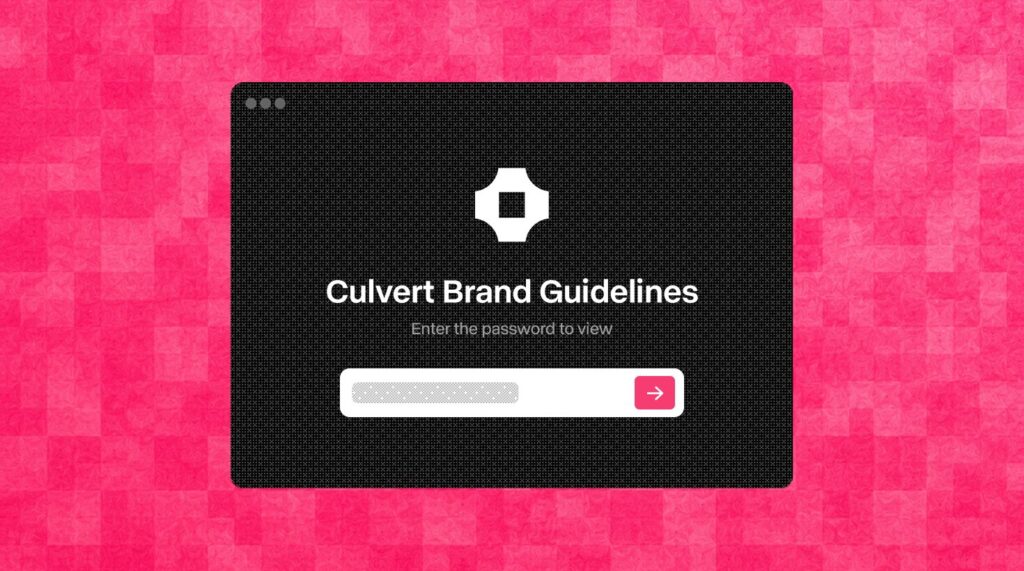
For both Hero and Galactic we skipped the folder entirely and built the guidelines as a hosted, password protected page where every version of the logo sits right there in front of you. Horizontal, stacked, light, dark, and mark only are all laid out on the same screen, and you click the one you need and get the file, with no folders to dig through, no Drive links to hunt down, and no asking around for whoever has the latest version.
Their team gets one password and one URL, and that’s the entire onboarding for brand assets from that point forward.
Adding more than logos
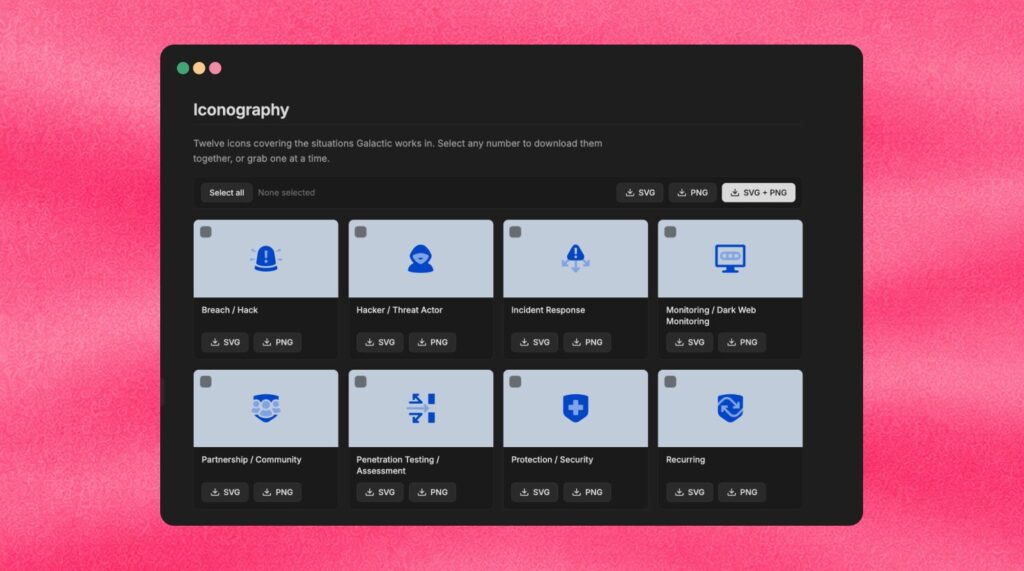
Once the logos were hosted, it became obvious the page could hold a lot more than that. For Galactic we added the full icon set in both PNG and SVG, so a designer can grab the SVG and someone in marketing can grab the PNG without either of them needing to convert a file or message us about it.
When the brand grows, we add to the page, and nobody has to re-export a new PDF and email it around hoping everyone deletes the old one.
More Than a Brand Portal
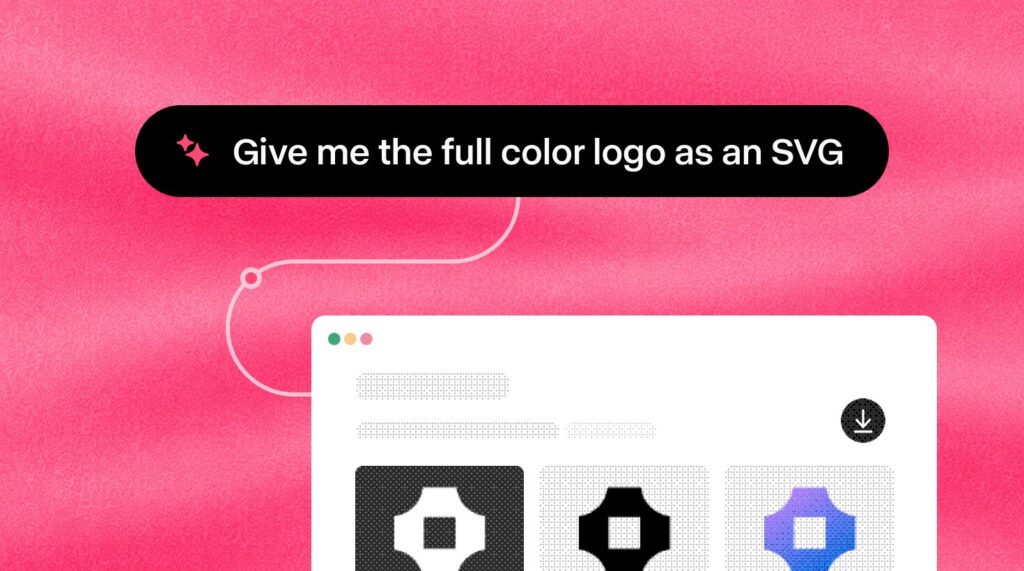
This is the real reason we host it rather than handing it over. Companies are connecting AI to their internal tools, and that’s only going to speed up over the next couple of years. When a new employee asks their company’s AI where the logo is, it scans the guidelines page we built, finds the exact file, and points them directly to it. The gate keeps access controlled, and everything behind it is labeled and structured in a way a machine can read.
A folder of files can’t do that, and a PDF can’t either.
What we’re experimenting with next
The next thing we’re testing is presentations. The deck template lives on the page alongside everything else, and the client can take a script we write, paste it into Claude Code, ChatGPT, or whatever AI tool they prefer, and build out the presentations themselves. It’s the same idea as the logos, where we set it up once and they don’t have to come back to us for every new version.